OpenActive provides guides, tools and standards for publishing open data about opportunities to take part in sports and physical activities. The initiative’s mission is to foster a data ecosystem that ultimately makes it easier for more people to find and book activities, helping more people to get active.
In terms of the nuts and bolts, OpenActive essentially provides recipes for how data should be published, but does not publish any data itself. This is a decentralised system, which has the benefit of distributed ownership and maintenance of the data that belongs to each individual publishing organisation. Each of the distributed locations releases data via a system referred to as Real-time Paged Data Exchange (RPDE). In essence, this is like how results are typically returned from a search engine, which are split over multiple pages. In order to be sure you have all the data for a certain query, you must visit each page one-by-one, and there could be information further down the list that supersedes information higher up the list. Because of the decentralised nature of the infrastructure there is no central point of query, either for a human via a web browser or for a machine via an API.
While all these details become well known to OpenActive developers over time, getting started can be a challenge. Those looking to get data for building apps or doing analysis have a number of hurdles to jump before they can begin to work on their main goal. In order to address this issue, we have now developed code in the Python and R languages that supports the basic essential tasks for data identification and retrieval. These languages are particularly popular among data scientists, and so these codes are good for typical data analysis needs out-of-the-box. Their simplified and compact structure should be readable for those wishing to develop in other languages too, and so they help to support the logical understanding needed to make something else from scratch.
Both Python and R codes assume that the user has some familiarity with those languages, but otherwise assume little to no in-depth understanding about OpenActive data itself. They both have readme files that walk users through the main steps, illustrating the inputs, outputs and logic along the way. The codes are both based around two central pillars: firstly gathering the locations of the decentralised data feeds, and secondly gathering all the data from a specified feed.
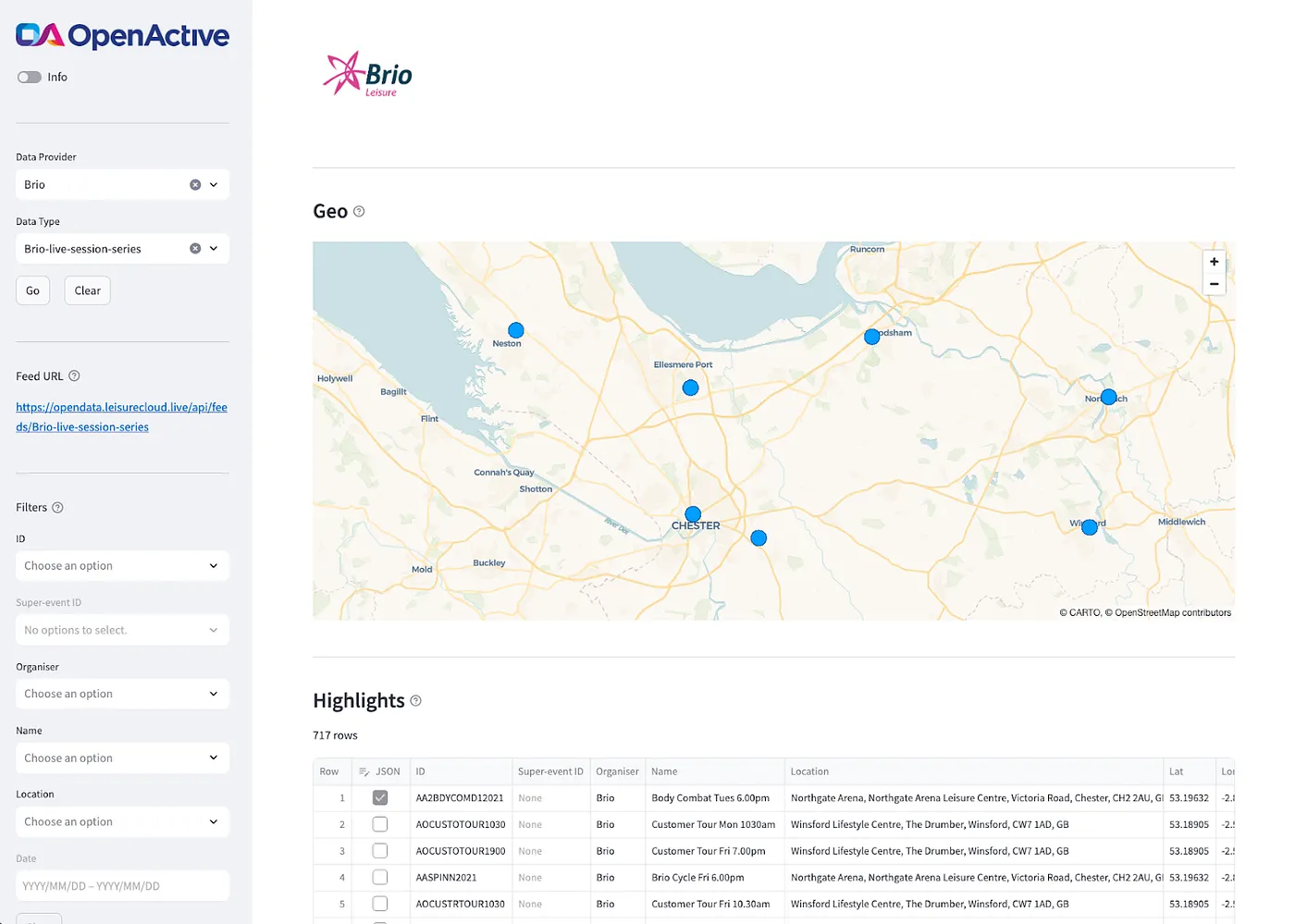
The Python code is offered as a package that can be installed via the pip or conda package managers, which are well-known to Python users. This package contains a set of modular functions, allowing users to get their own list of feeds, to then read a particular feed, and to then do some basic analysis checks on top of that output. Also, there is a standalone Python Streamlit app which uses the package to show how this process can be cooked up in practice.
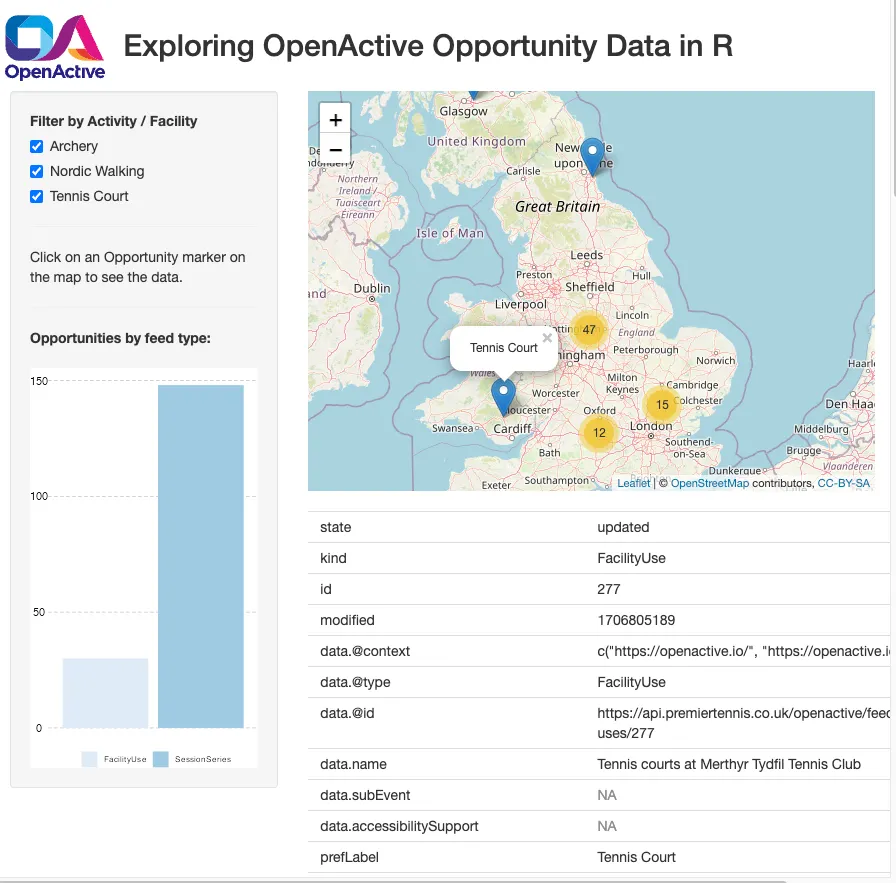
The R code is presented as a simple tutorial that walks through the process of collecting and displaying OpenActive data, explaining some of the data structures along the way. Copy the code into R — we recommend using R Studio — and follow along.
With these codes, OpenActive newcomers now have a better entry point and springboard to get started quicker than ever before. The codes and documentation are relatively compact and lightweight, containing the essential elements you need to make an activity finder app, or to analyse the wealth of OpenActive data out there. So if you’re partial to a bit of code and want to get stuck in, then grab a coffee, grab the code and enjoy.
